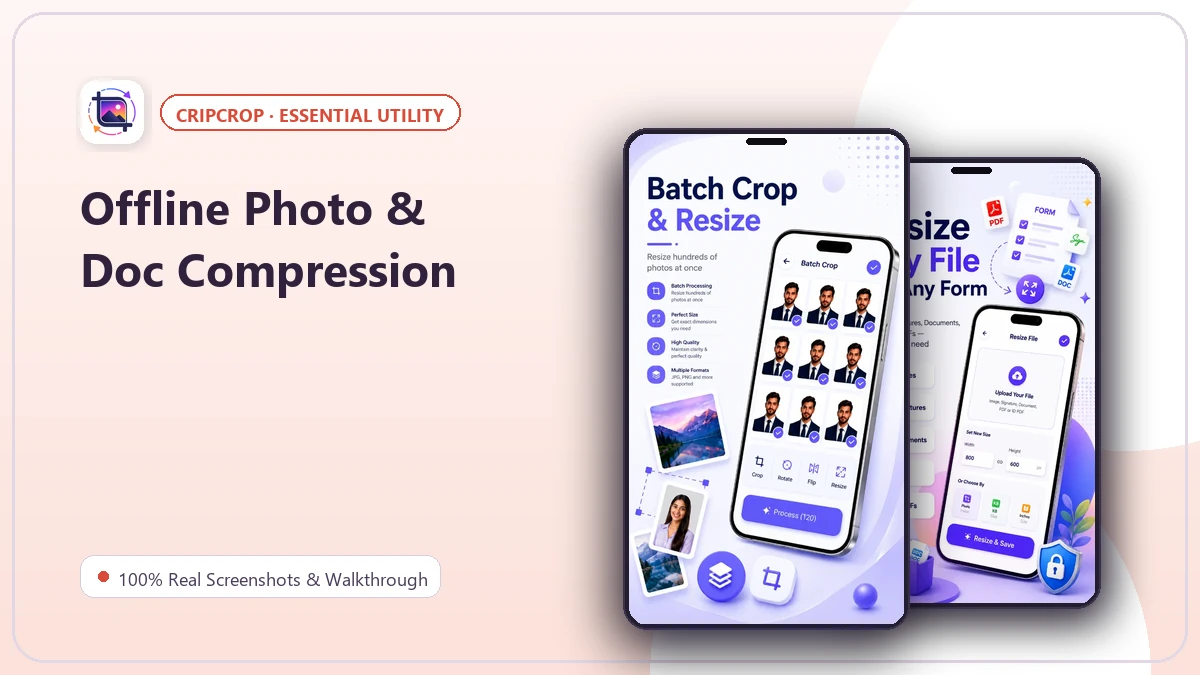
Hit the right file size.
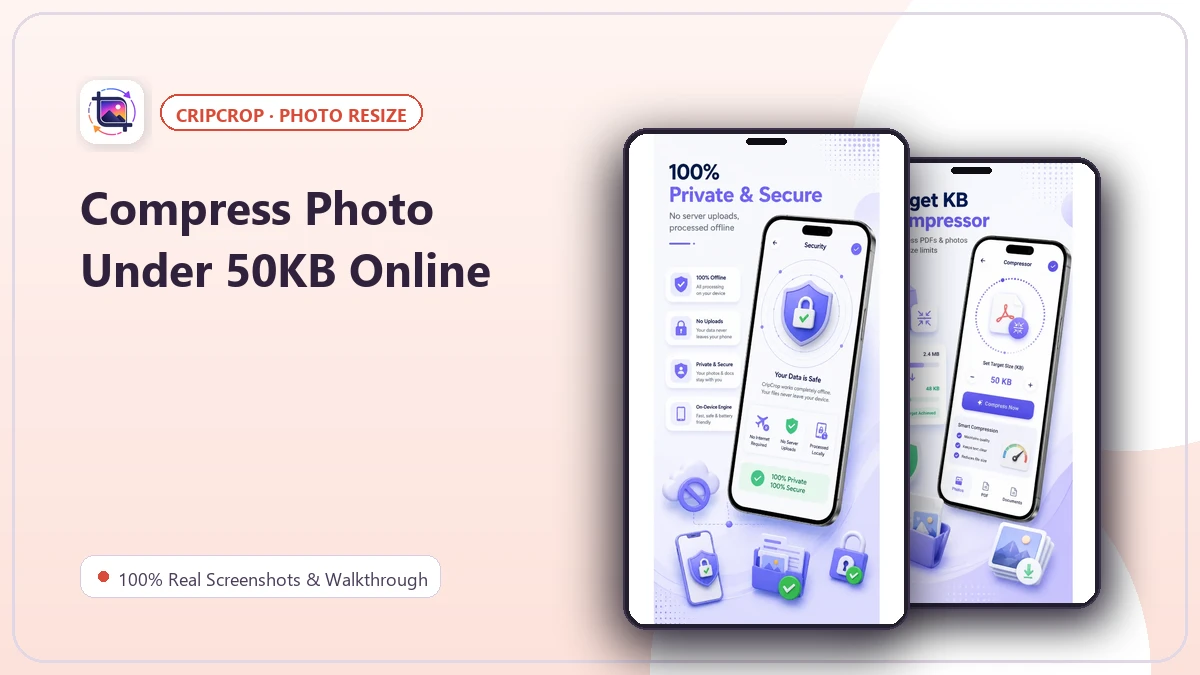
Prepare images for upload with target-KB compression tools.
 pixmelloBuild with us
CRIPCROP · FREE FOR ANDROID
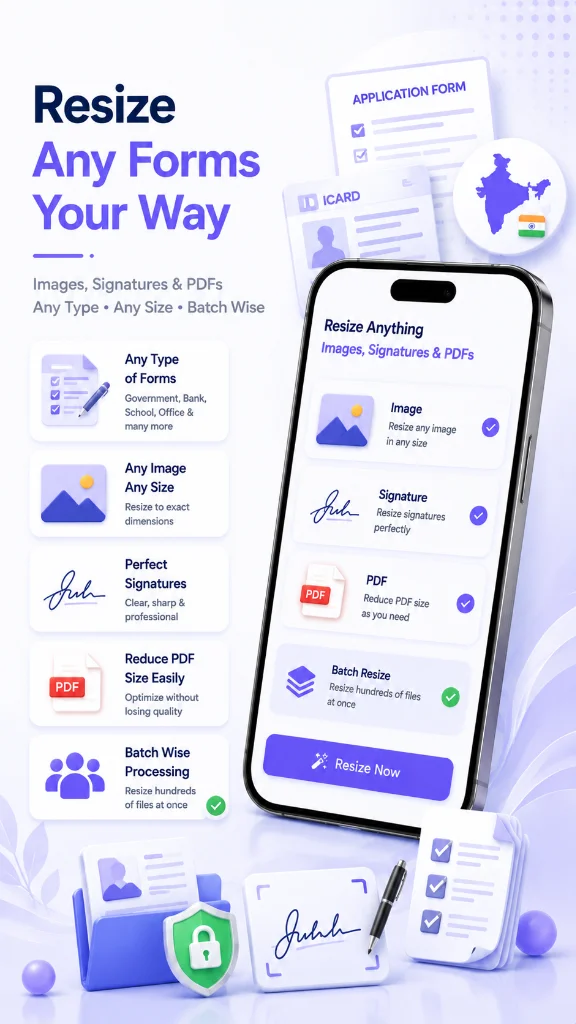
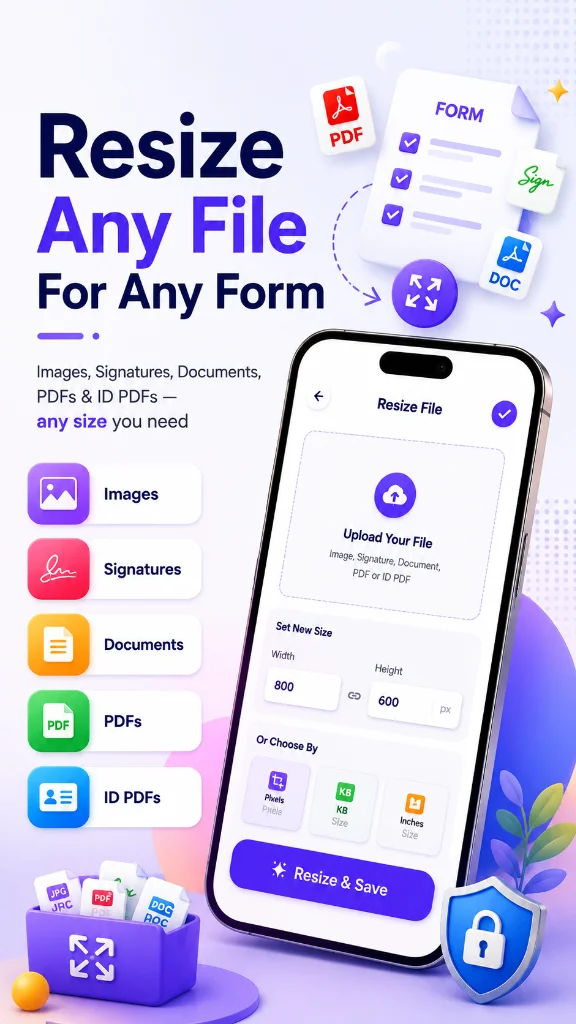
Crop, resize and compress photos and documents to the dimensions and file sizes you need, directly on your Android device.
Official Google Play download · Android
LESS FRICTION. MORE POSSIBILITY.
Useful tools, thoughtful details and a focused experience. Explore what CripCrop can bring to your everyday.
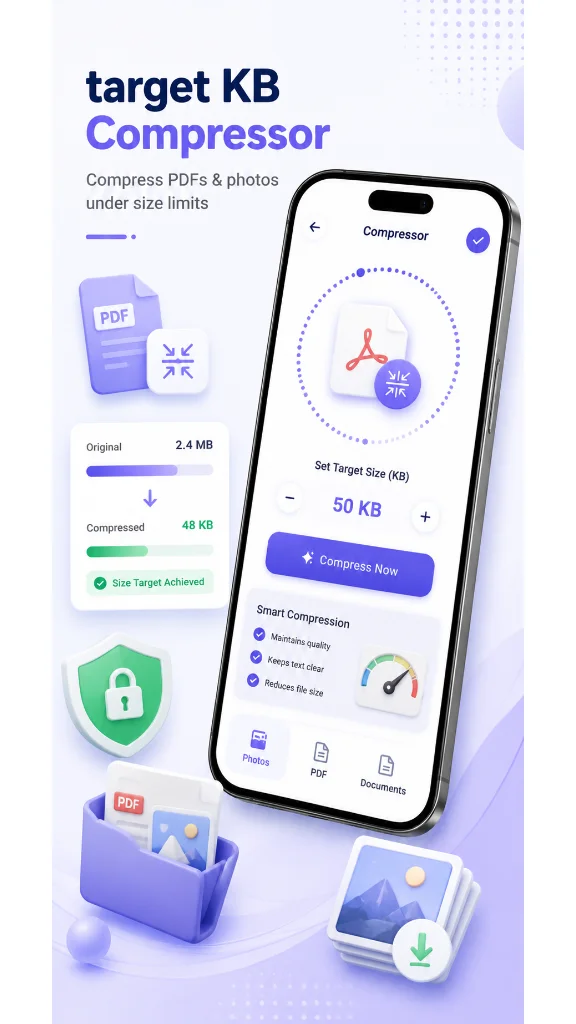
Prepare images for upload with target-KB compression tools.
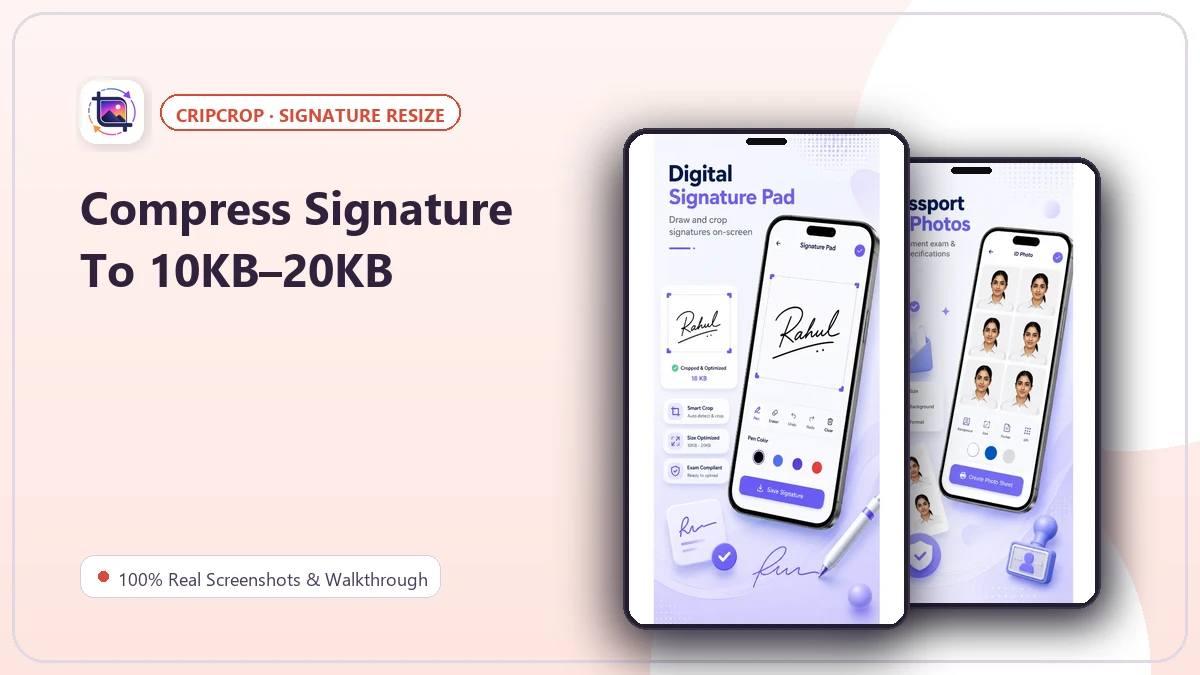
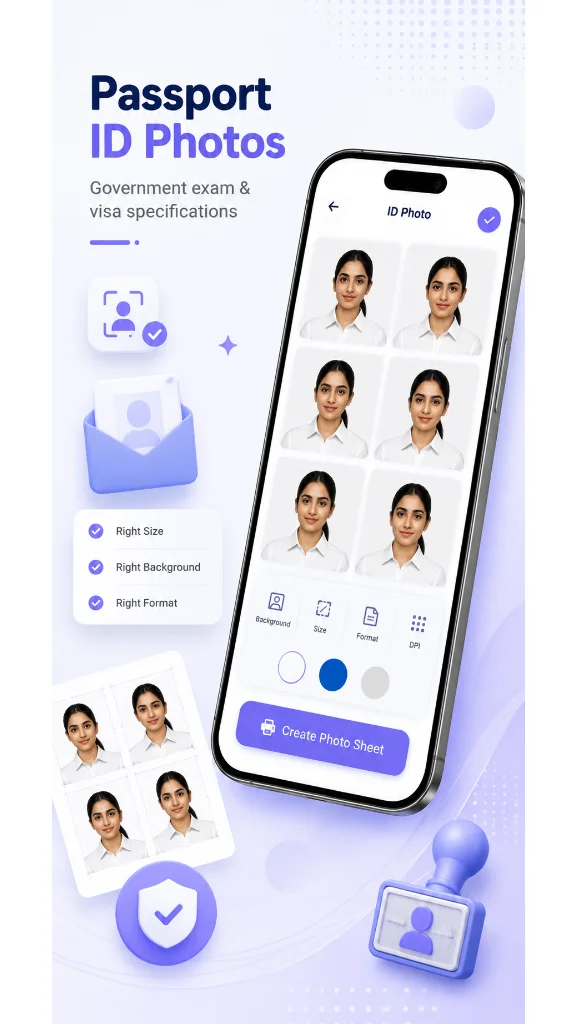
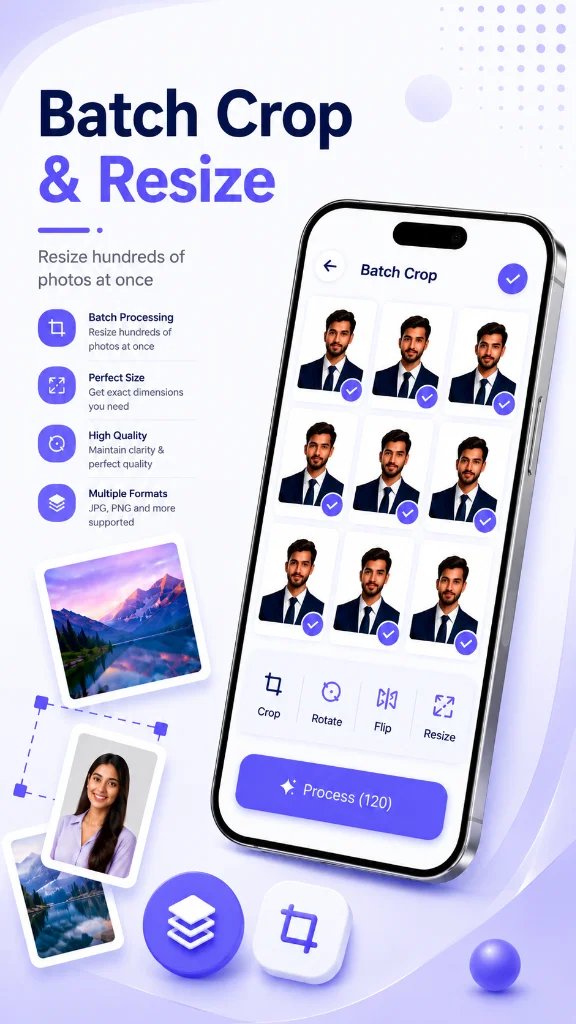
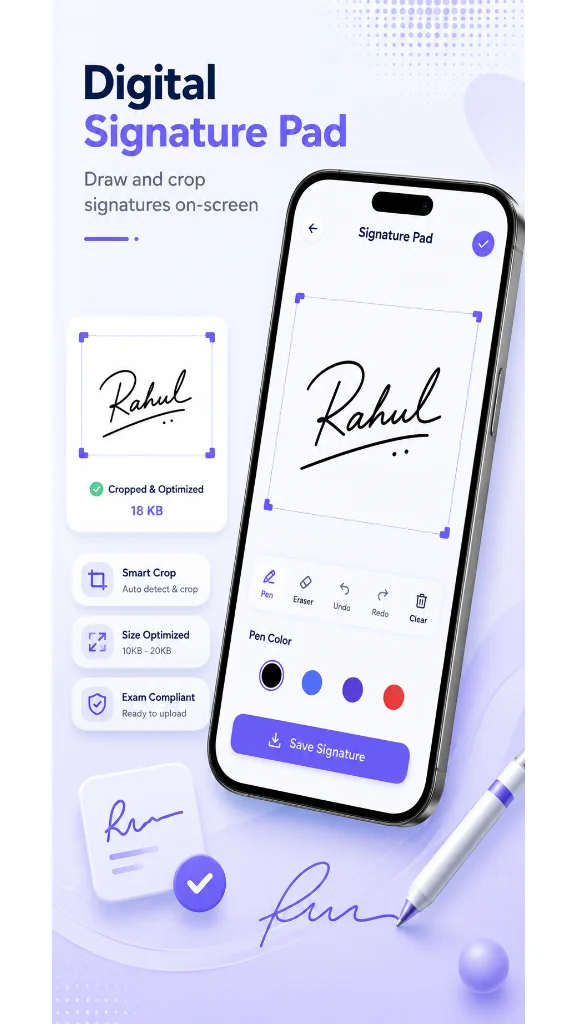
Crop precisely, resize dimensions and prepare signatures or ID photos.
Explore document shrinking and multi-print layouts in a focused mobile utility.
100% REAL IN-APP INTERFACES
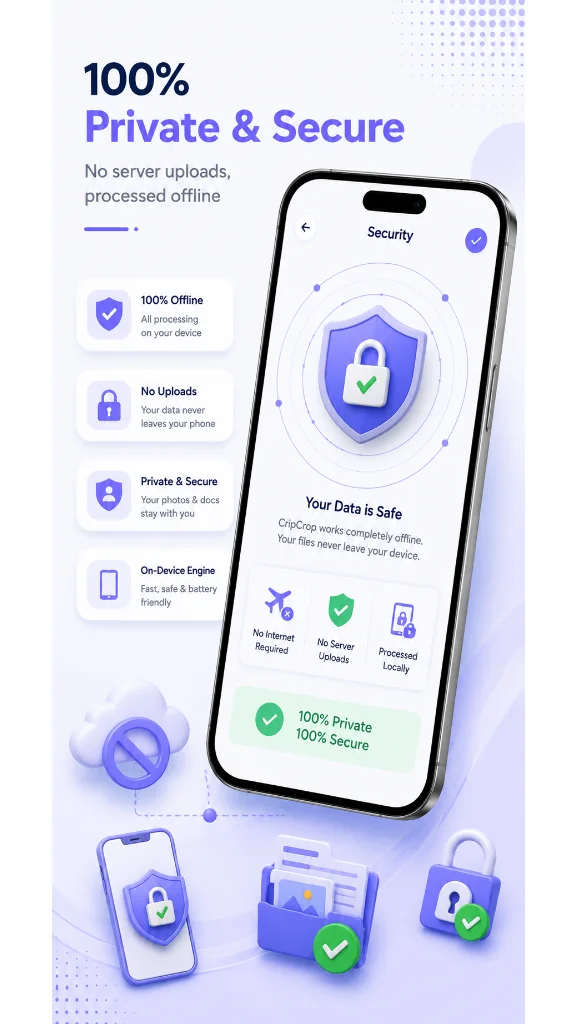
Captured directly from real devices. Explore full production screens, clean layouts, and thoughtful interactions.
Instant access to precision compression, aspect ratios, signature tools, and multi-print.
Enter exact limits (20KB, 50KB, 100KB) for government exams and passport portals.
Preset aspect ratios (35x45mm, 2x2 in, 140x60px) with live alignment grids.
Convert paper snapshots with shadows into bold, pure black ink on clean white background.
Official UPSC, SSC, IBPS, and State PSC compliant format presets ready for upload.
Compress marksheets, certificates, and ID cards into small lightweight files.
Tile 4, 8, or 16 passport photos onto standard 4x6 photo paper for easy printing.
MAKE A LITTLE ROOM
Free to download. Ready when you are.
Download free on Google Play ↗HELPFUL GUIDES & TUTORIALS
A FEW HELPFUL ANSWERS
Yes. CripCrop is a free PIXMELLO app available through its official Google Play listing.
No. Always check the dimensions, file size and format required by the receiving organisation. CripCrop is not affiliated with government or recruitment bodies.
Use Download free on Google Play to open the official Android listing.