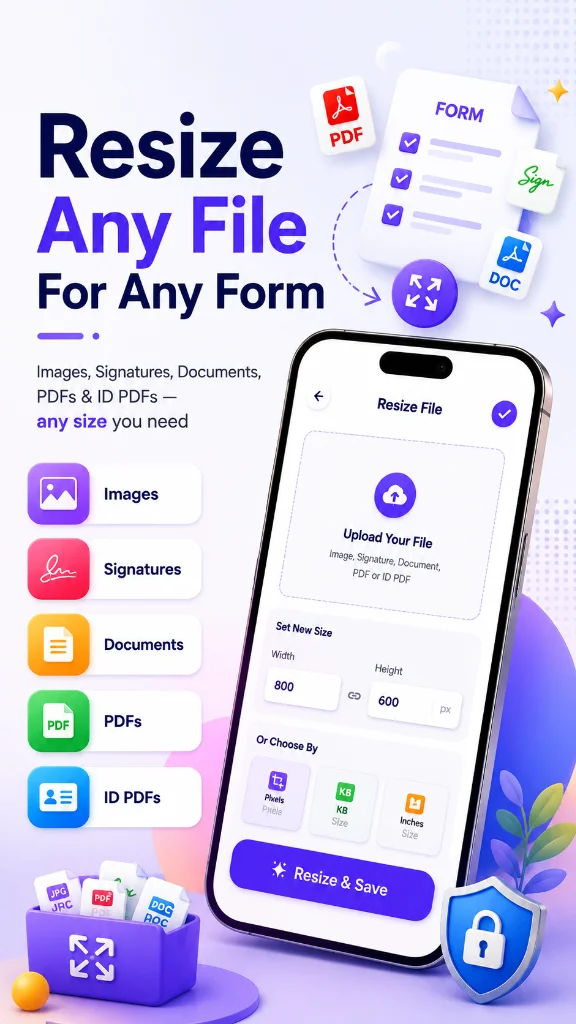
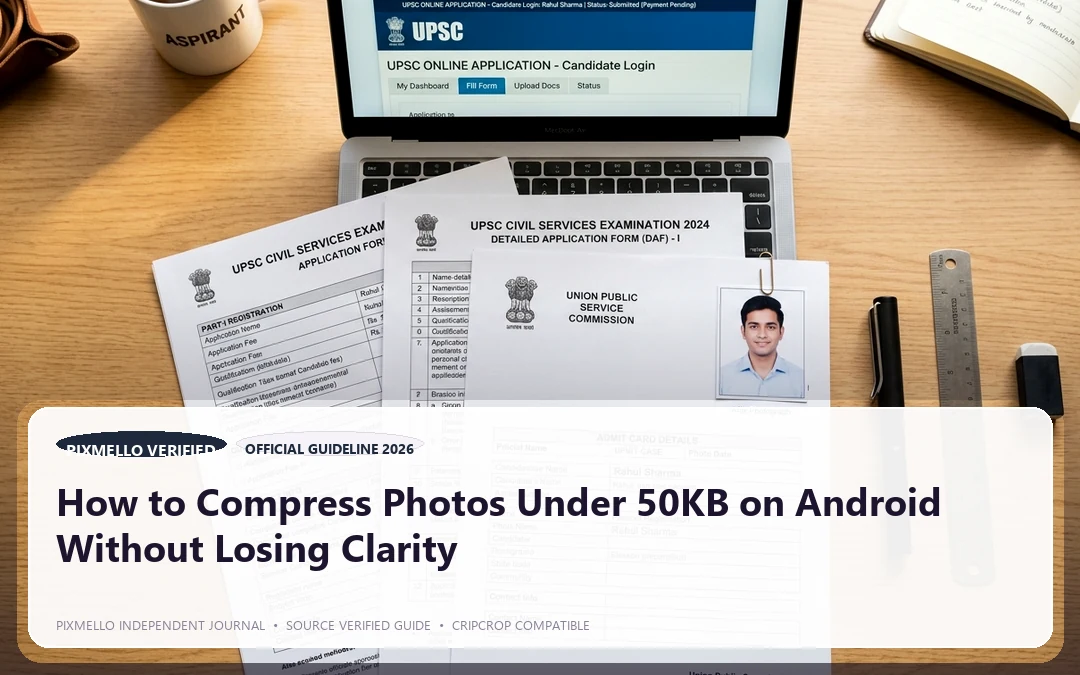
When applying for online government examinations, visa portals, job applications, or university forms, you frequently run into strict file size limits:
- Passport Photos: Often strictly capped between 20KB and 50KB.
- Signatures & Thumb Impressions: Usually capped between 10KB and 20KB.
- ID Proofs & Documents: Required to be under 100KB or 200KB.
If you use standard photo editors or WhatsApp to shrink photos, the image often gets heavily pixelated, making the text unreadable and leading to form rejections.
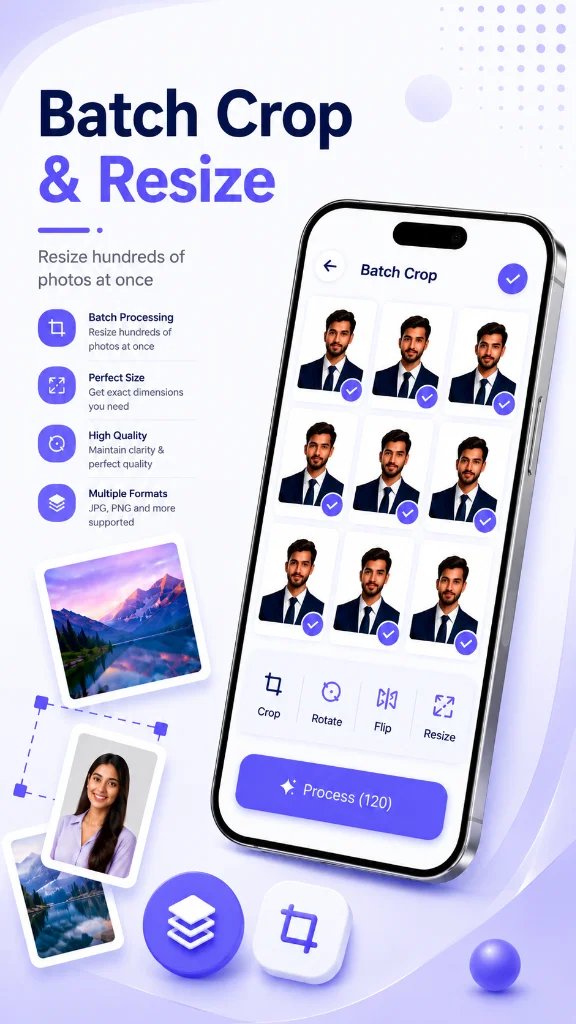
Here is why photo compression fails with standard tools and how to get the exact file size you need in seconds.
Why Most Online Compressors Ruin Your Photos
Most generic compressors use crude lossy compression algorithms that indiscriminately strip pixels. When they force a 4MB photo down to 30KB:
1. The resolution collapses. 2. The dimensions get distorted. 3. Facial features or signature strokes blur completely.
To pass automated document verification, you need dual-factor compression: adjusting dimensions (width & height in millimeters, centimeters, or pixels) alongside progressive JPEG encoding.
Step-by-Step Guide to Compress Photos to an Exact Target KB
1. Crop to the Exact Aspect Ratio First
Before shrinking file weight, crop away unnecessary background. For a passport photo, keep the head centered with clear margins above the hair and below the collarbone.
2. Set the Exact Target File Size
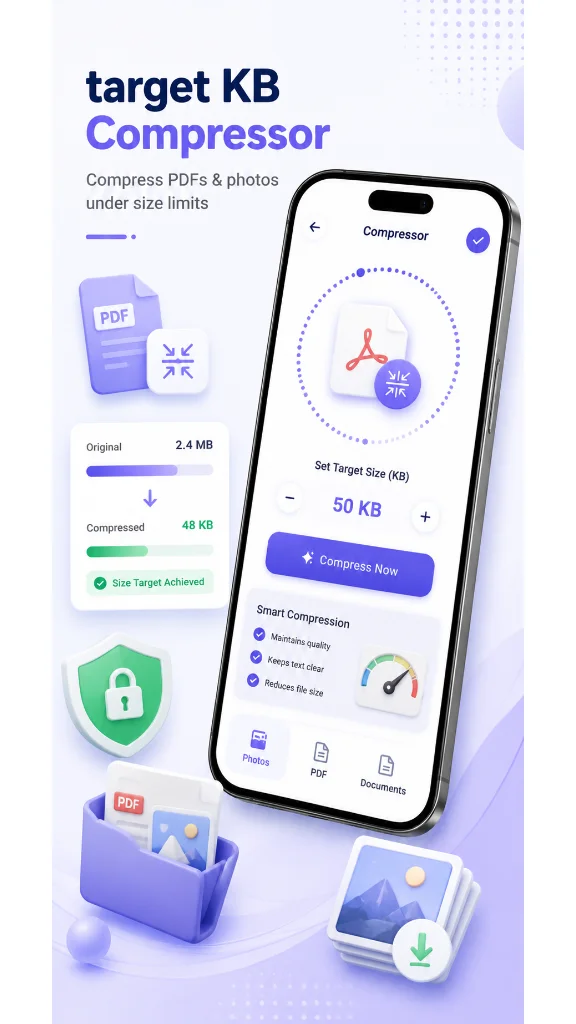
Instead of guessing quality sliders (like "70%" or "40%"), use a tool with Target KB Compression. Entering `45 KB` forces the compression engine to mathematically calculate the optimal quantization table to hit that exact ceiling.
3. Preview Before Exporting
Zoom into the eyes, text, or signature line. Ensure the edges remain crisp and high-contrast.
The Fastest Tool on Android: CripCrop
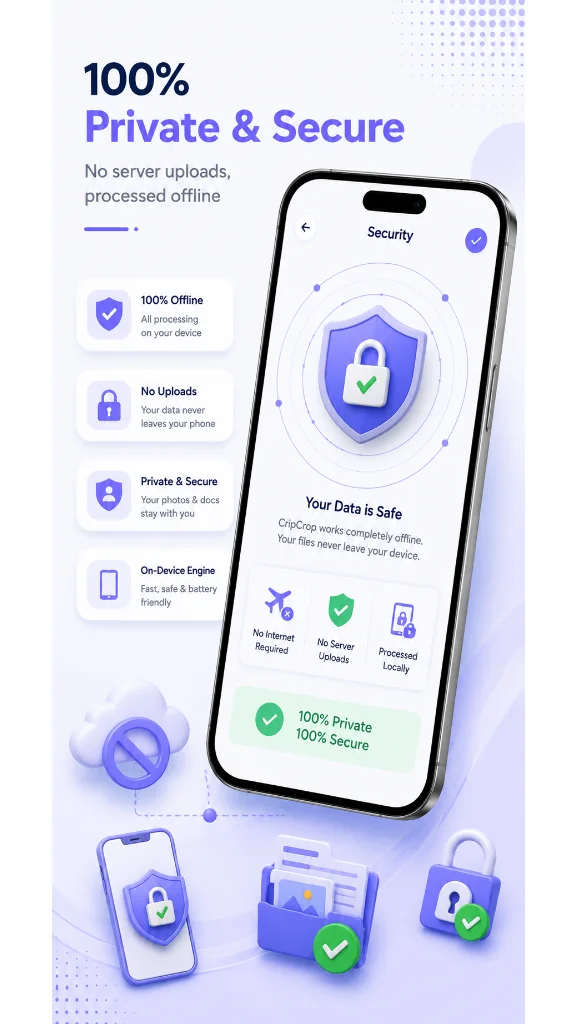
We built CripCrop specifically to solve this everyday frustration without ads tracking your files or uploading your sensitive personal documents to unknown cloud servers.
- Exact Target KB: Type `20`, `50`, or `100` KB and hit compress.
- 100% On-Device: Your private ID cards, passport photos, and signatures never leave your phone.
- Built-in Signature Tools: Invert, crop, and boost contrast on handwritten signatures for clean digital submission.
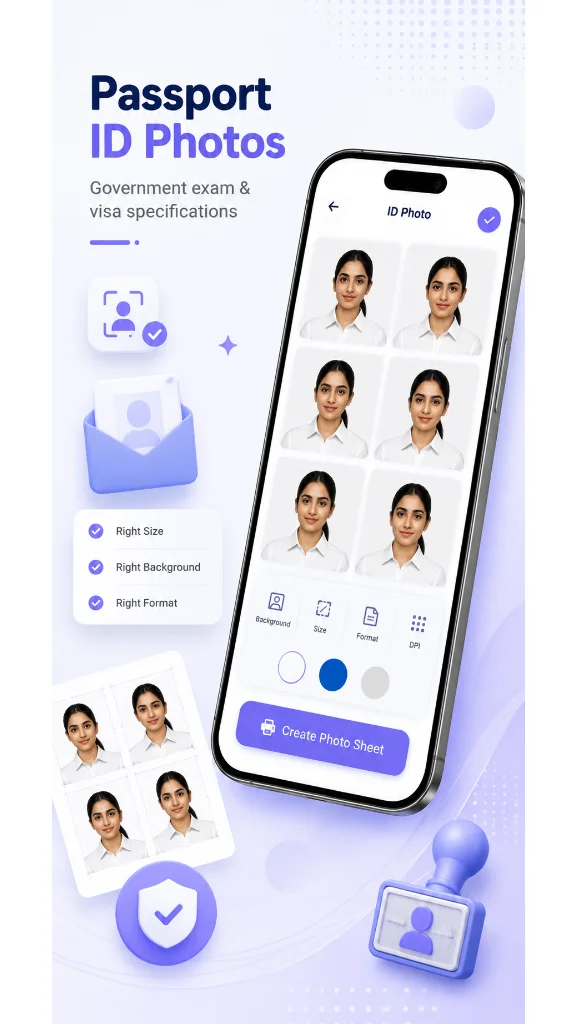
- Multi-Print Layouts: Print 6 to 12 passport copies on a single standard photo sheet directly from your mobile device.