
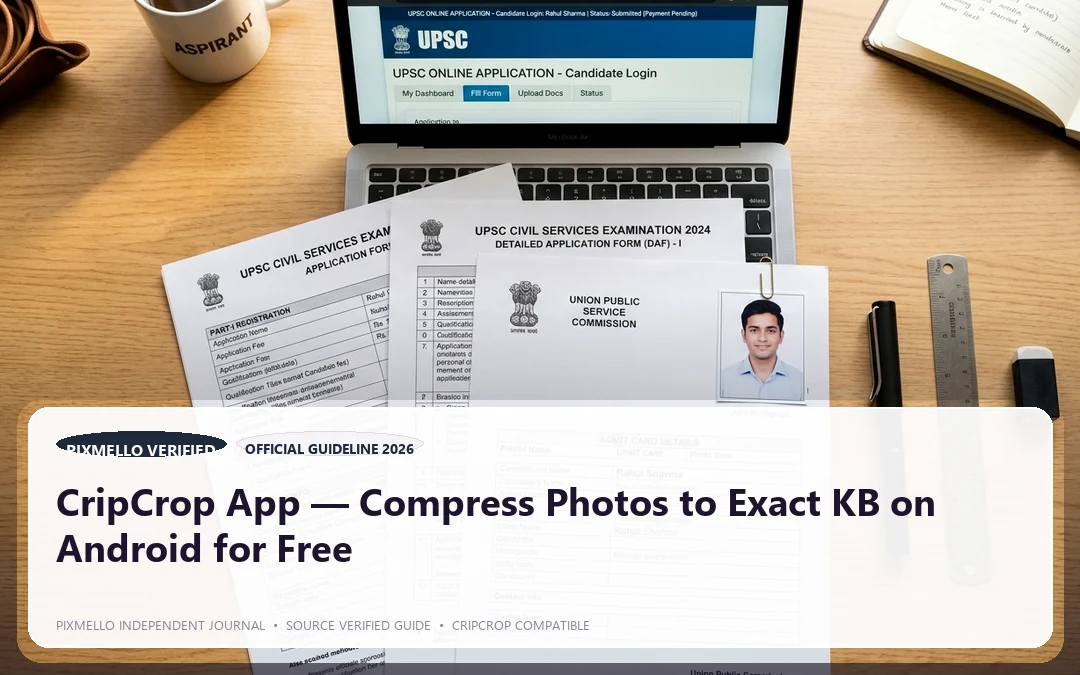
If you have ever tried to upload a passport photo to an exam portal and been turned away because the file is 68KB instead of the allowed 50KB, you know the specific frustration that CripCrop was built to solve.
Before we go further: if you searched for "Crip Crop" and were thinking of the snack brand sold at Penny Market — that is a completely different product. CripCrop by Pixmello is an Android photo compression app. No crackers involved.
The Problem with Government Portal File Size Requirements
When filling out forms for exams like UPSC, SSC, IBPS, or visa applications for the US, Schengen zone, or UK, the file size requirements are strict and non-negotiable:
- Passport photos: 20KB to 50KB (sometimes as low as 10KB)
- Signature scans: 10KB to 20KB
- Supporting ID documents: 50KB to 200KB
Standard photo editing apps — gallery editors, WhatsApp, even desktop Photoshop — do not give you a target KB input. You are left dragging a quality slider from 90% down to 40% and re-exporting five times until you accidentally land near the right number. And often the result is a blurry, washed-out image that fails automated document verification.
Why Online Compressors Are Not the Answer
Generic online compressors — the ones where you drag a file into a browser tab — have two significant problems for government document use:
1. They upload your files to a cloud server. Your passport photo, your ID card scan, your signature — all of it leaves your phone and sits on someone else's server. For sensitive identity documents, this is a real privacy risk.
2. They do not offer exact KB targeting. Most online tools offer percentage-based quality settings or vague size bands, not a precise "compress to exactly 45KB" input.
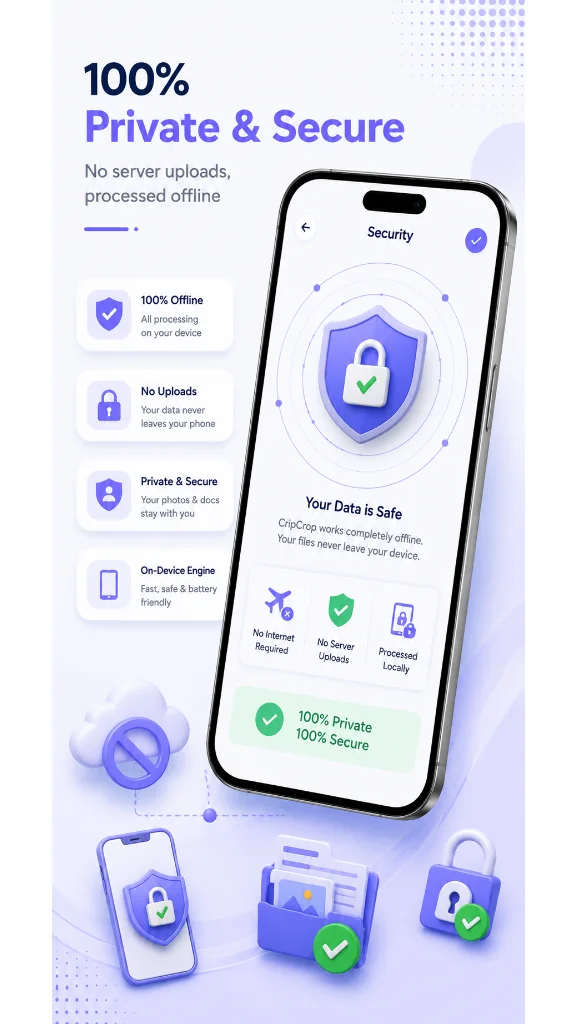
CripCrop solves both. It compresses entirely on-device — nothing ever leaves your phone — and it accepts an exact target KB value.
Key Features of CripCrop
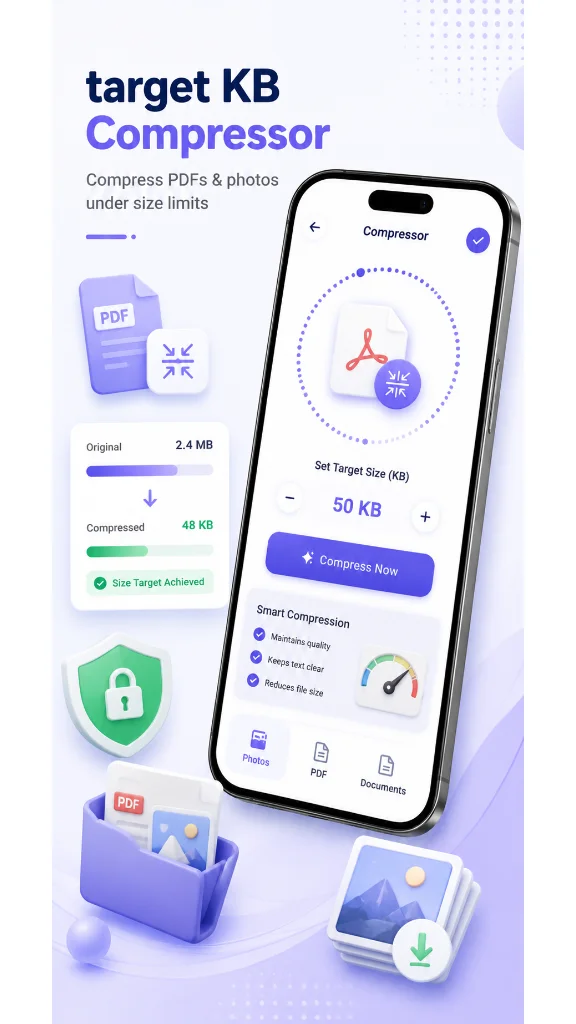
Compress Photo to Exact KB Type `20`, `50`, `100` — whatever the portal requires — and CripCrop's compression engine mathematically calculates the optimal output to hit that ceiling without unnecessary quality loss. This is the feature that makes CripCrop Android genuinely useful versus every generic alternative.
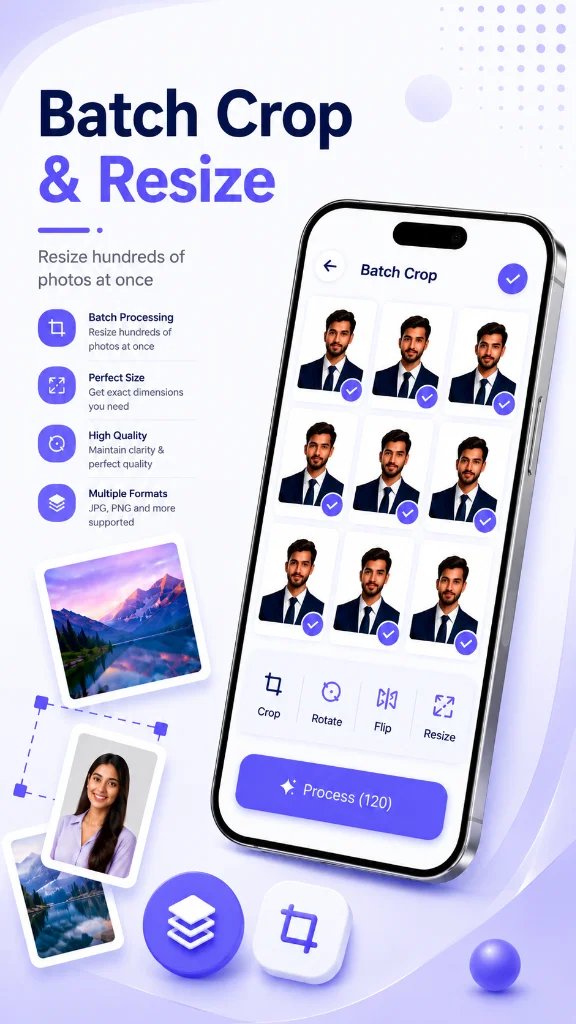
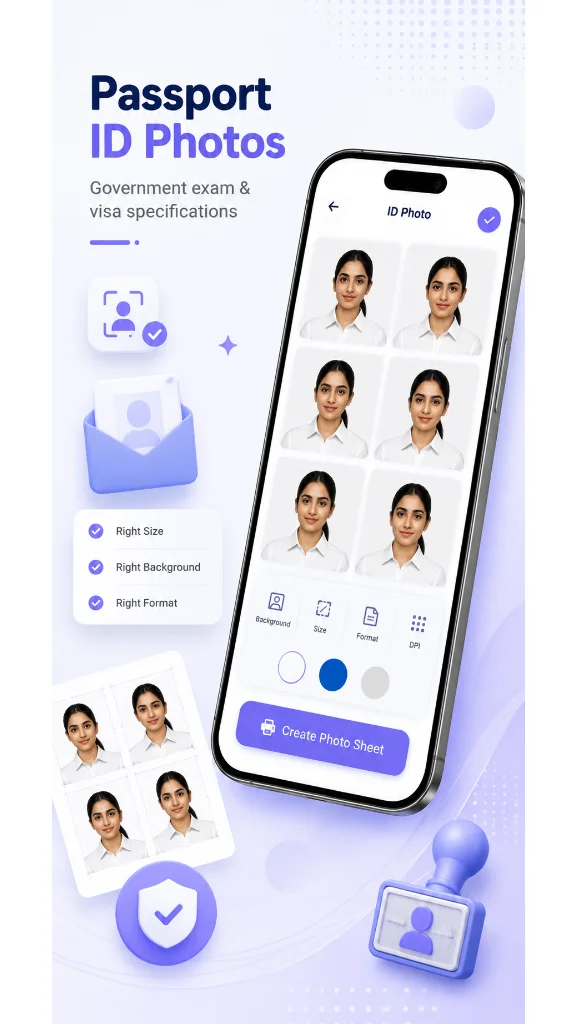
Precision Crop with Presets The crop tool includes standard presets for passport photos (India, US, Schengen, UK), visa photos, and signature dimensions. No manual measuring required.
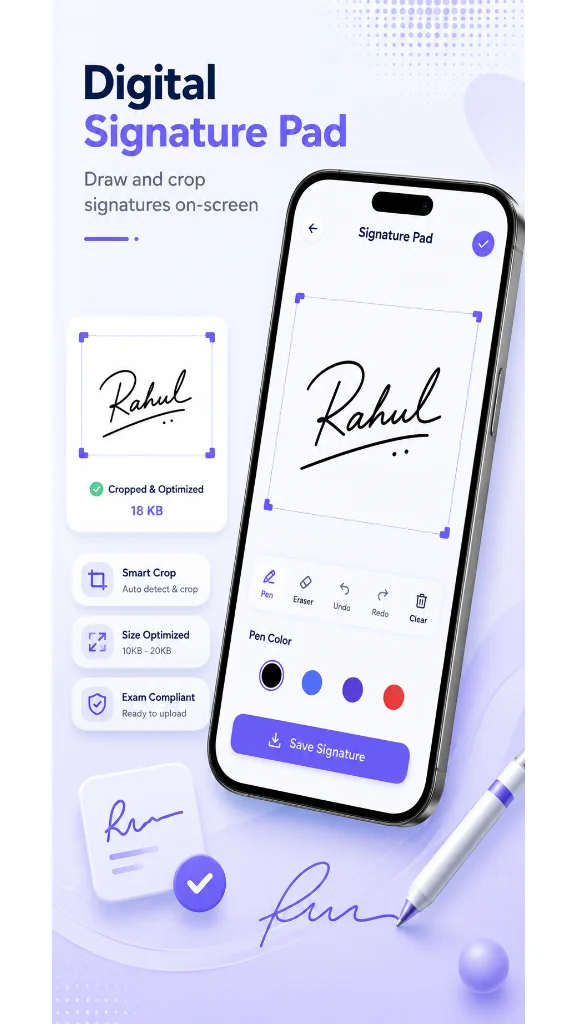
Signature Tools Handwritten signatures scanned from paper often come out grey and muddy. CripCrop includes signature-specific tools — contrast boost, background inversion, and edge sharpening — so your digital signature looks clean and professional.
Passport Photo Presets Select your target country or form type, and CripCrop automatically applies the correct aspect ratio, dimension, and background colour standard. This covers common Indian government exam presets (UPSC, SSC) as well as international visa photo standards.
Multi-Print Layouts Need physical passport photos for an interview or embassy visit? Generate 6, 8, or 12 ready-to-print passport grids on a single 4x6 photo sheet.
100% On-Device — No Cloud, No Ads CripCrop by Pixmello is entirely offline. The app does not request internet permission for photo processing. Your ID photos, passport scans, and signature files are processed on your device and stay there. There are no ads interrupting the workflow.
Who Should Use CripCrop?
- Government Exam Candidates: UPSC, SSC CGL/CHSL, IBPS, Railways, Defence exams.
- Visa & Passport Applicants: Indian passport, US visa, Schengen visa, UK visa forms.
- Job Seekers: Anyone uploading resumes and ID proofs to corporate HR portals.
- Privacy-Conscious Users: Anyone who does not want their sensitive personal photos uploaded to third-party servers.
Download CripCrop free on the Google Play Store and get your documents upload-ready in seconds.