
Whether you are debugging a complex React component in VS Code or studying from dense lecture slides on a laptop, your mental bandwidth is your most valuable asset.
Yet, traditional note-taking methods actively fight against your focus: - Writing notes in full-screen apps like Notion or Obsidian forces you to constantly Alt-Tab away from your terminal or textbook. - Physical paper sticky notes clutter your physical desk, can't be searched, and don't travel with you when you leave your workstation.
This is why developers, engineering students, and power users are switching to ambient screen-edge floating notes.
The Cognitive Friction of Full-Screen Note Taking
In cognitive psychology, the cost of switching tasks is known as attention residue. When you flip from code to a full-screen note app to jot down a quick syntax reminder, part of your working memory remains focused on the previous window.
Studies show it takes an average of 23 minutes to fully regain deep focus after an interruption.
By having your notes hover ambiently on top of your workspace or tuck discreetly into the screen edge, you maintain visual contact with your primary task while capturing spontaneous thoughts.
4 Ways SideNote Powers Academic and Developer Workflows
1. Pinned Terminal Snippets & Cheat-Sheets Keep command-line flags, regex patterns, or API endpoint headers floating right above your PowerShell or Bash terminal. No need to switch browser tabs to copy the same SSH argument for the tenth time.
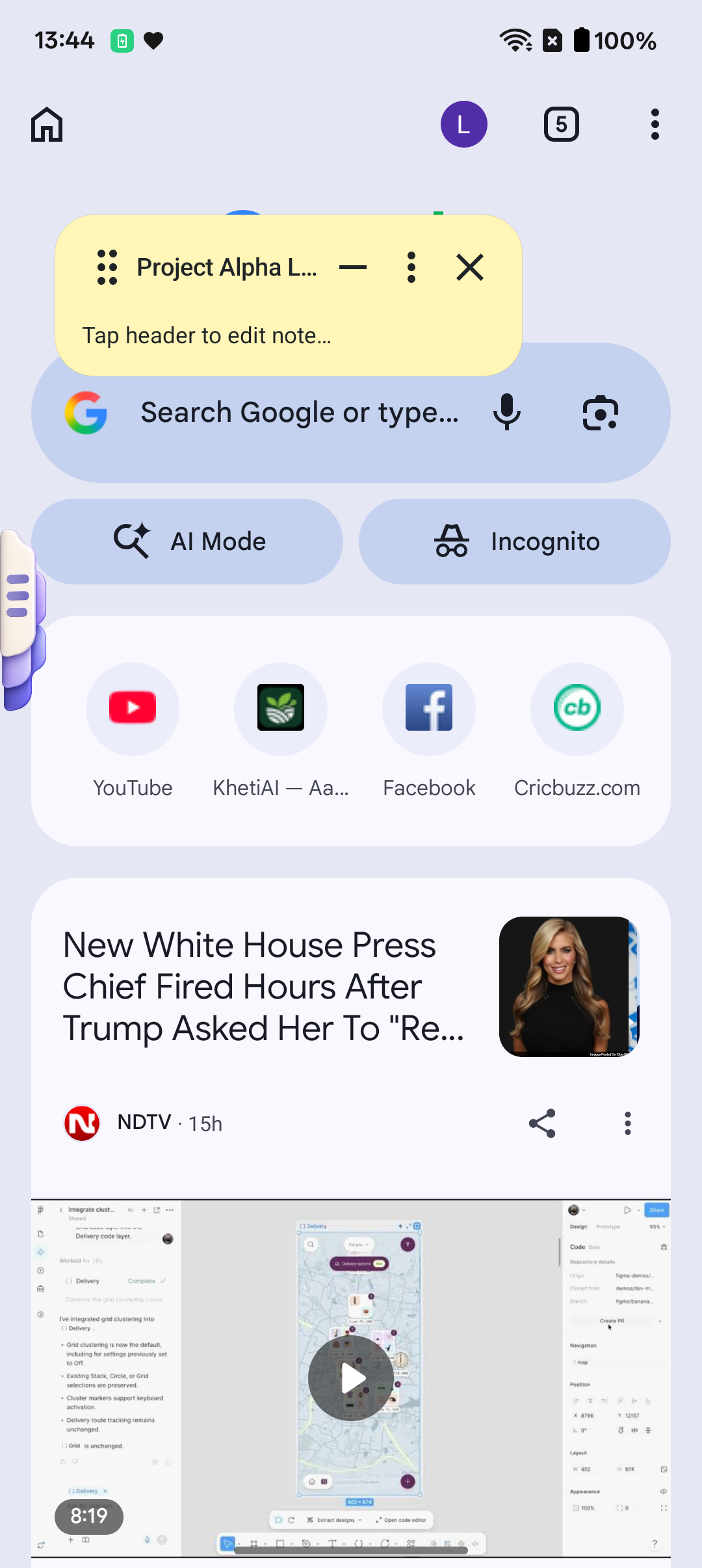
2. Lecture Video Note-Taking on Android Watching a YouTube course or academic lecture on your Android tablet or phone? With SideNote's edge handle, a simple 1-thumb swipe pulls out your note sheet directly over the video player without pausing or minimizing the stream.
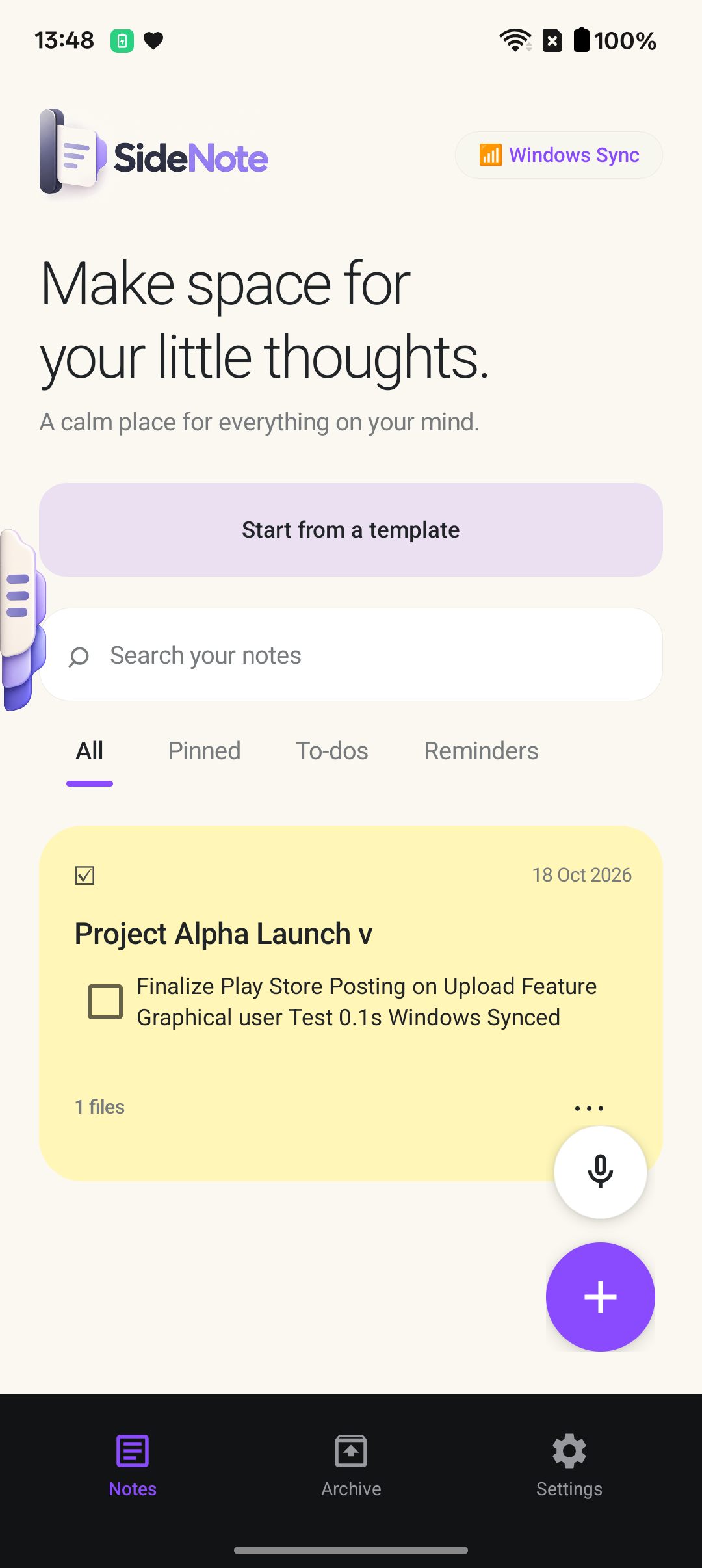
3. Voice-to-Text for Sudden Brainwaves Coding requires keeping large mental models in your head. When a solution hits you while compiling or reading documentation, use SideNote's built-in voice input to capture the thought verbally in seconds without lifting your hands from the keyboard.
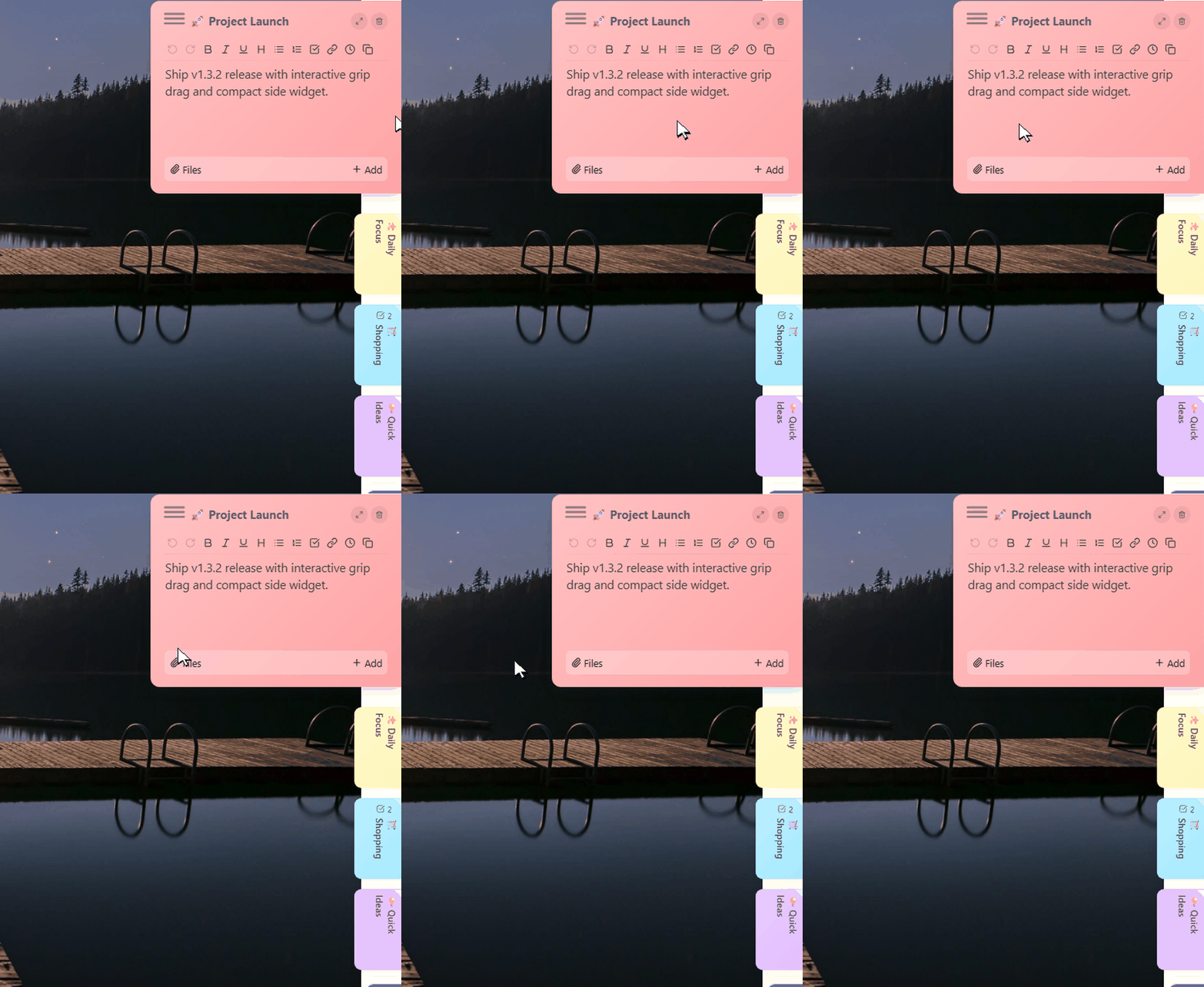
4. 6 Pastel Themes for Priority Management Color code your notes intuitively: - 🟡 Sunshine Yellow: Urgent bugs & immediate priorities - 🟢 Mint Green: Completed milestones & reference links - 🟣 Lavender: Reading lists & long-term ideas - 🔵 Sky Blue: Daily checklist & exam reminders
Try SideNote on Your Devices
SideNote is built from the ground up to be lightweight, respectful of your system resources, and 100% offline.
- 📲 Get SideNote for Android: Free on Google Play Store.
- 💻 Get SideNote for Windows 10 & 11: Download the official setup from PIXMELLO Studio and start your 7-day Pro trial with full PC-Android sync.