

For more than a decade, Microsoft Sticky Notes has been the default choice for Windows users looking to jot down quick reminders. However, in recent Windows updates, Microsoft has progressively pushed Sticky Notes deeper into the heavy OneNote ecosystem, forcing account sign-ins and removing the simple immediacy that made sticky notes useful in the first place.
Enter SideNote — an independent, modern note companion crafted for multitaskers who want lightweight, instant note access without account friction or buried windows.
In this head-to-head comparison, we break down how SideNote reimagines the sticky note experience for 2026.
1. Window Management: Pinned vs. Buried
The single most frustrating aspect of default Windows Sticky Notes is that they don't stay on top of other open windows.
If you are typing in Microsoft Word or referencing numbers in Excel, clicking anywhere on the document sends your Sticky Note straight to the background. You have to repeatedly minimize windows or hunt for the Sticky Note icon in your taskbar.
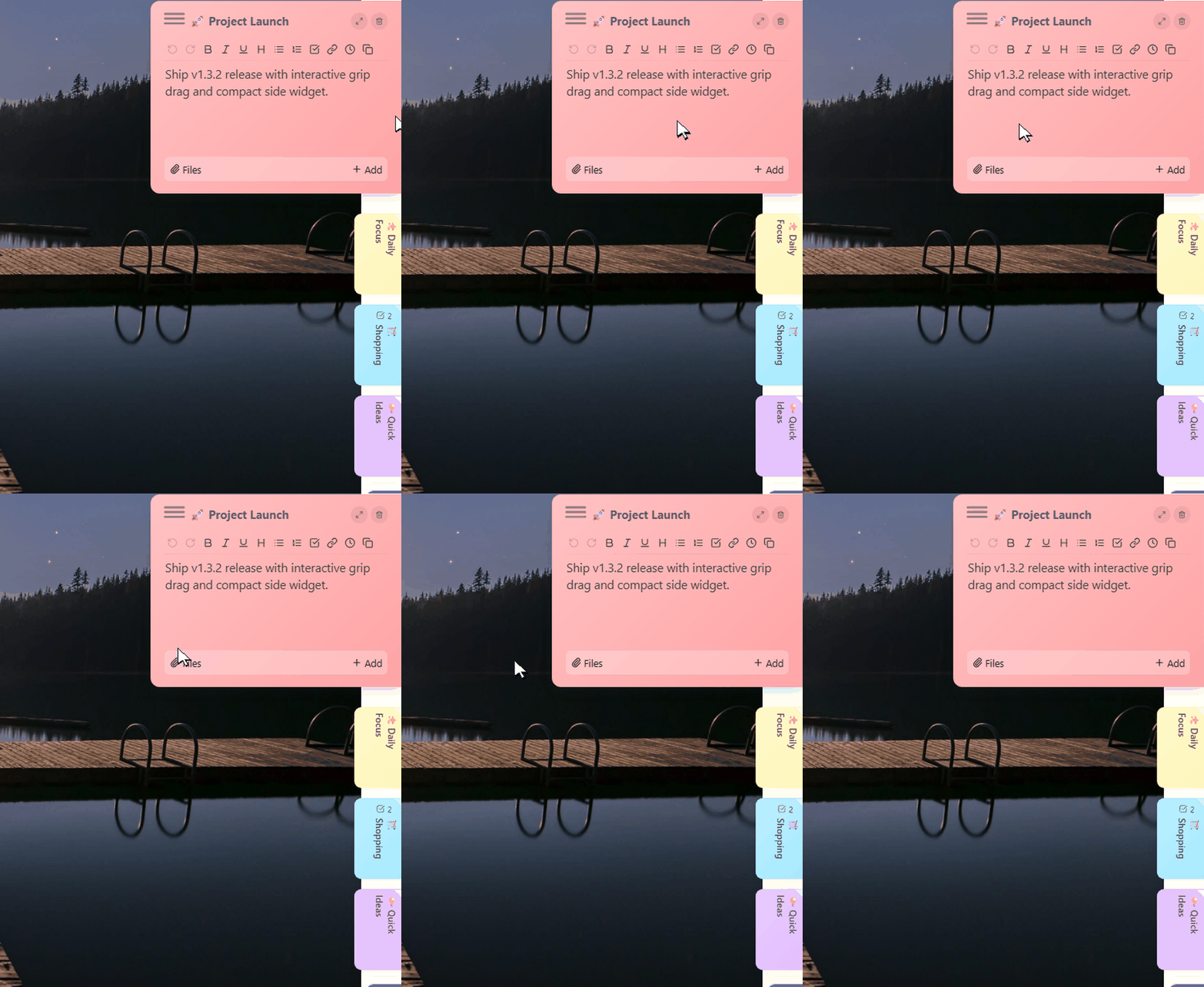
How SideNote Solves This: SideNote introduces true Always-On-Top Floating Cards. - Each note can be dragged anywhere on your main monitor or secondary screens. - Pin notes over Zoom calls, full-screen browsers, games, or Adobe software. - Need to focus? Collapse notes into compact floating pill bubbles with a single click.

2. Accessibility: Edge Dock vs. Taskbar Clutter
Traditional note apps require you to dedicate taskbar space and actively launch or switch to them.
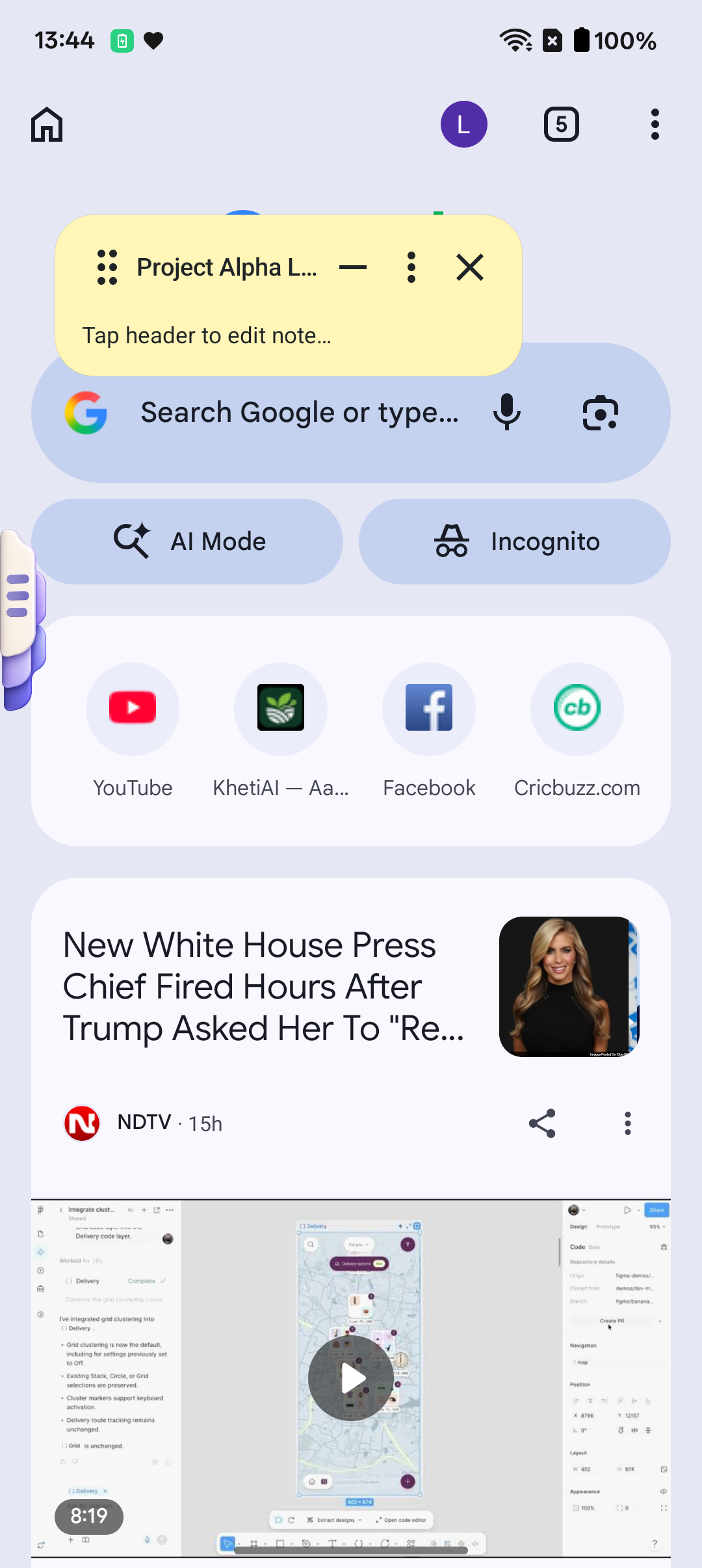
SideNote replaces this with an Ambient Screen-Edge Dock: - On Windows, a sleek side rail rests against the border of your display. Hovering your mouse gently peeks your note library without requiring a click. - On Android, a smooth 1-thumb swipe gesture from the edge of your screen summons your checklists over YouTube, Chrome, Instagram, or PDF readers without closing your current app.
3. Cross-Device Sync: Local Wi-Fi vs. Cloud Lock-in
To view your Microsoft Sticky Notes on your phone, Microsoft forces you to download the bulky OneNote or Microsoft 365 app, log in with an Outlook account, and upload all your thoughts to Microsoft's cloud servers.
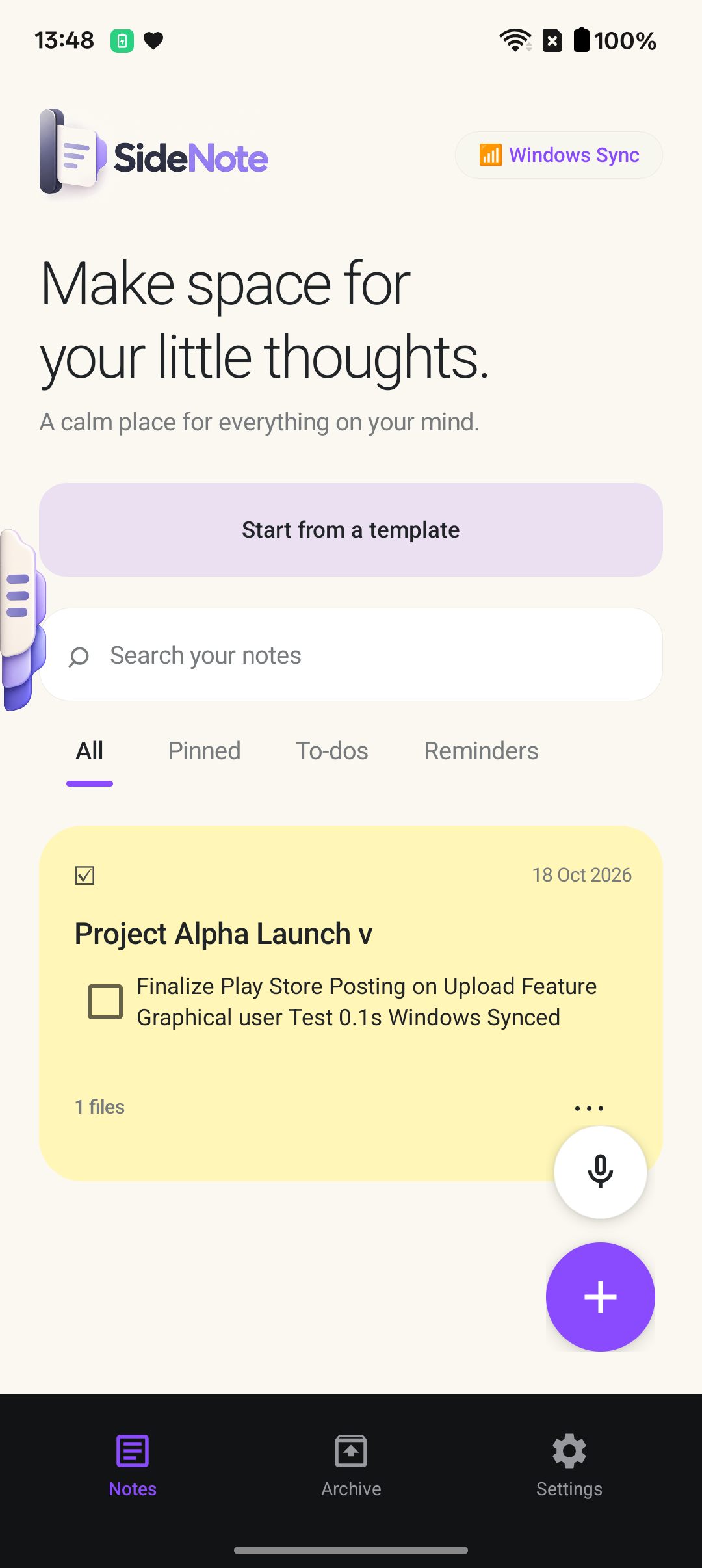
SideNote respects your privacy and local autonomy: - 0.1-second Local Wi-Fi Sync: Your phone and computer connect directly over your home or office local network. - Zero Cloud Storage: Your personal thoughts, meeting notes, and sensitive passwords are never transmitted to third-party cloud servers. - Offline First: SideNote works 100% reliably even when you have no internet access.
Comparison Summary
| Metric | Microsoft Sticky Notes | SideNote | |---|---|---| | Form Factor | Desktop widgets only | Desktop Floating Notes + Edge Dock + Mobile Overlay | | Always-on-Top Support | Limited / Fails across apps | Complete multi-monitor Always-on-Top | | Android Integration | Hidden inside OneNote feed | Dedicated native Android app with edge drawer | | Aesthetic & Themes | Basic primary colors | 6 Calming Pastel Color Palettes | | Offline Privacy | Sync requires Microsoft Cloud | 100% On-device encrypted local storage | | Audio Notes | Not supported | Fast speech-to-text voice memos |
Upgrade Your Daily Note Workflow
Ready to experience notes that stay quietly by your side instead of getting lost in the clutter?
- 📲 Download SideNote for Android: Free on Google Play Store.
- 💻 Download SideNote for Windows: Available directly on PIXMELLO Studio with an included 7-day Pro trial.