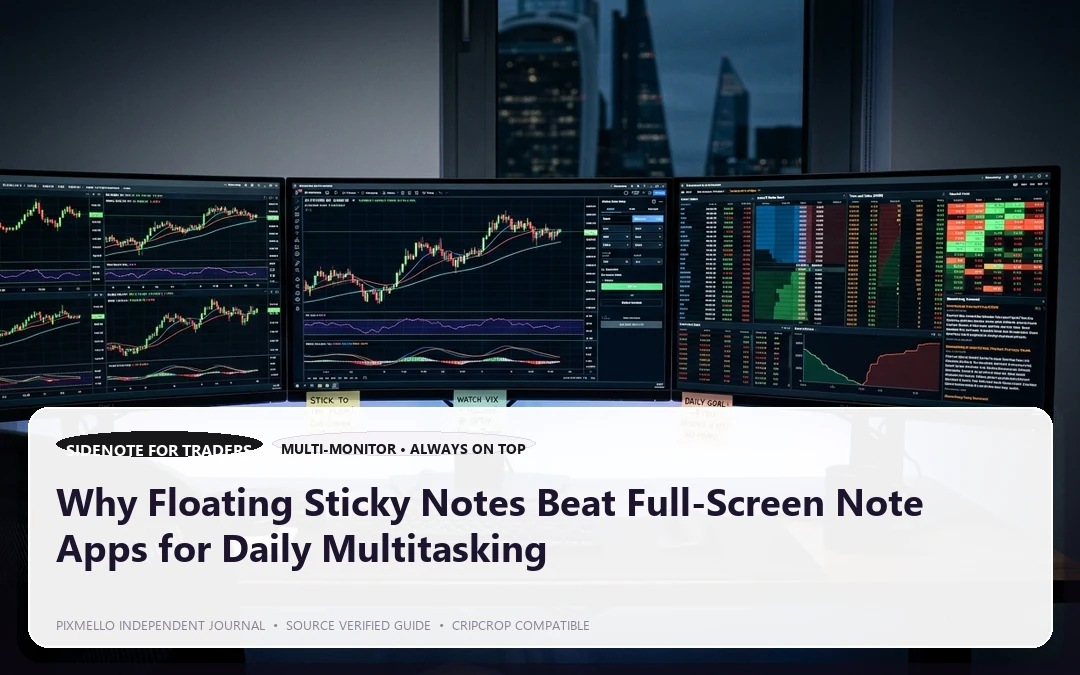
How often during your workday do you find yourself doing this?
1. You are reading a dense report in your web browser. 2. You need to copy an address, phone number, or quick verification code. 3. You press `Alt+Tab` to open your full-screen note app or Notepad. 4. You lose your visual spot on the original webpage, waste 5 seconds re-focusing, and repeat the cycle dozens of times a day.
This phenomenon is known in cognitive psychology as context switching cost. Every time your full screen flips between windows, your brain is forced to reload its working memory state.
The Power of Ambient, Non-Intrusive Notes
The most effective note system is one that sits quietly at the edge of your consciousness, ready when you need it and invisible when you don't.
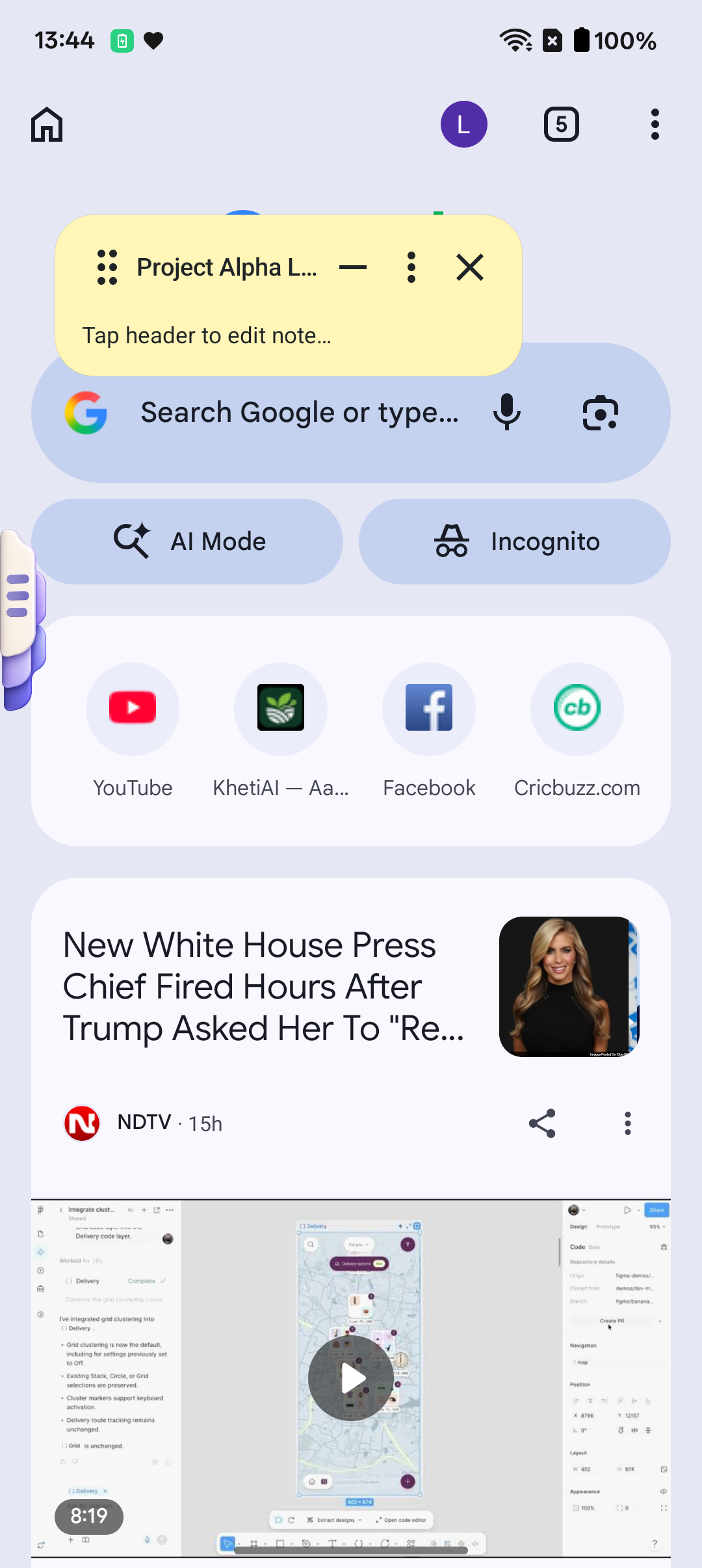
Floating sticky notes provide three distinct workflow advantages:
1. Always-on-Top Visibility
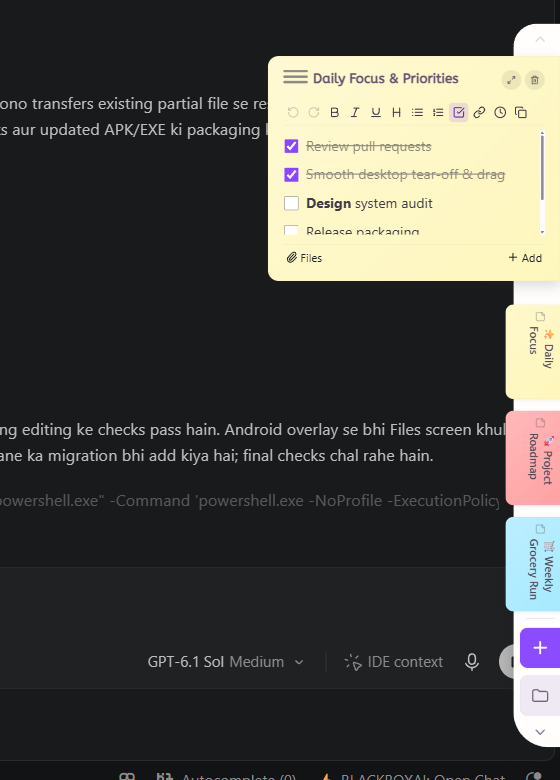
A floating note pins gently over your video call, IDE, spreadsheet, or PDF viewer. You can type bullet points without clicking away from your active work.
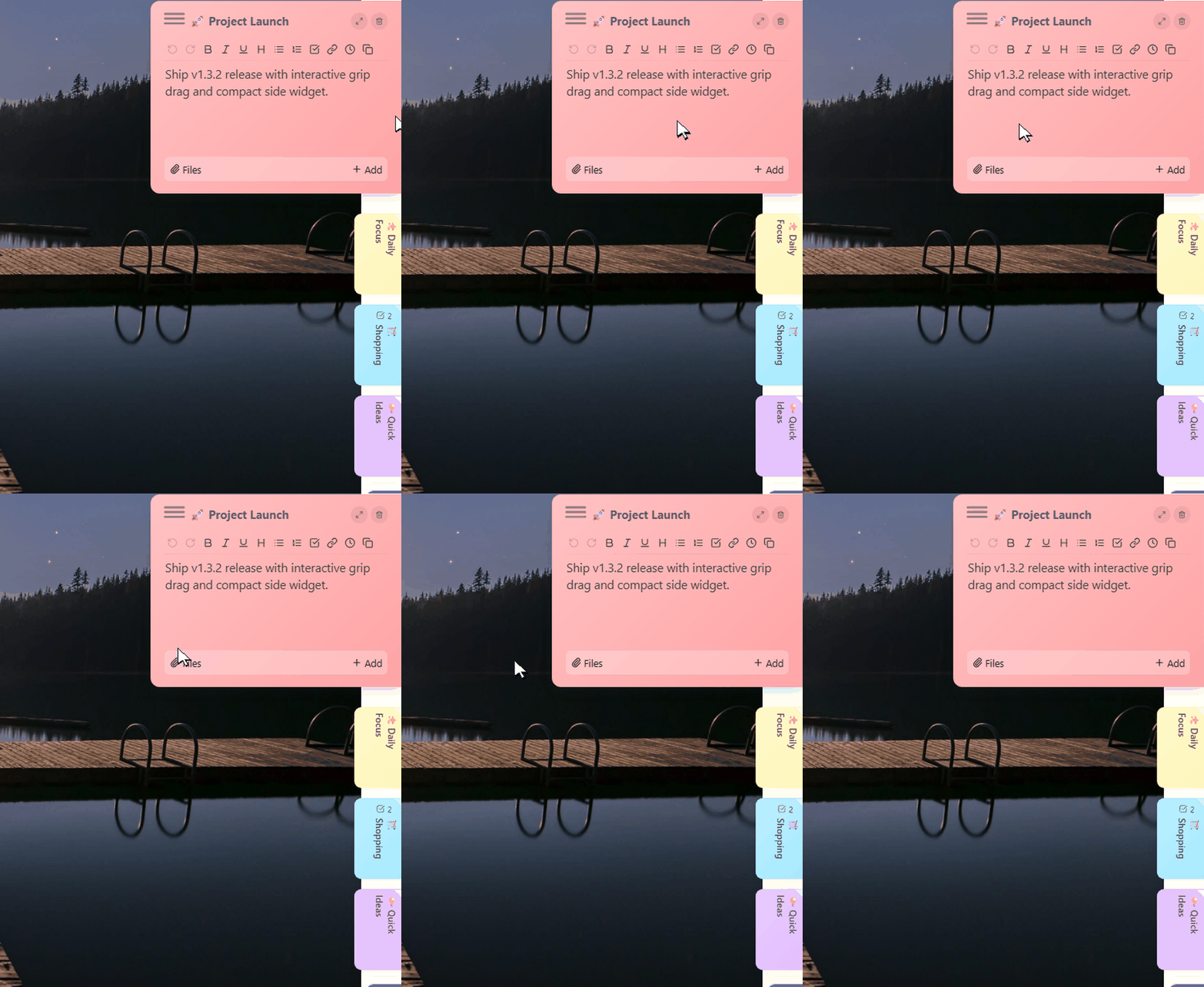
2. Collapsible Edge Handles
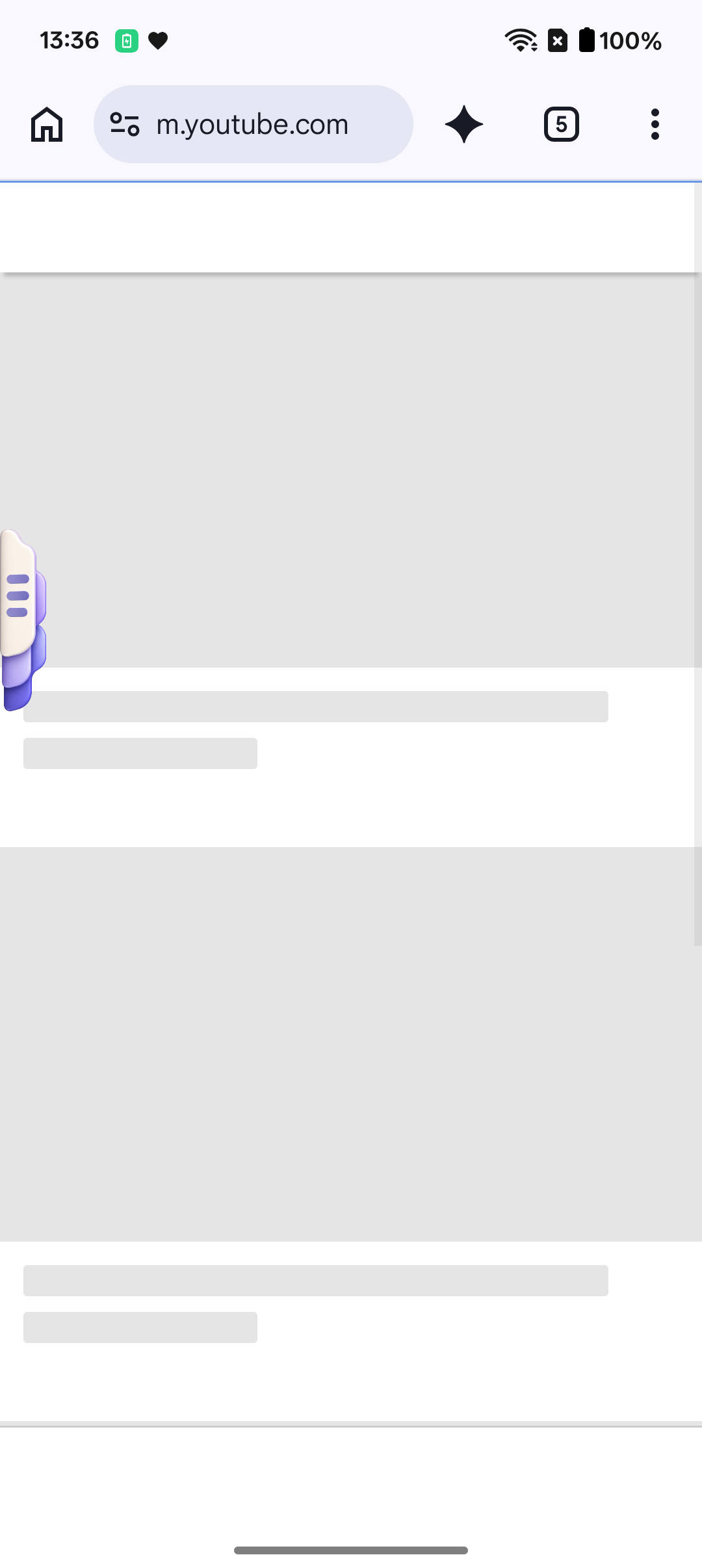
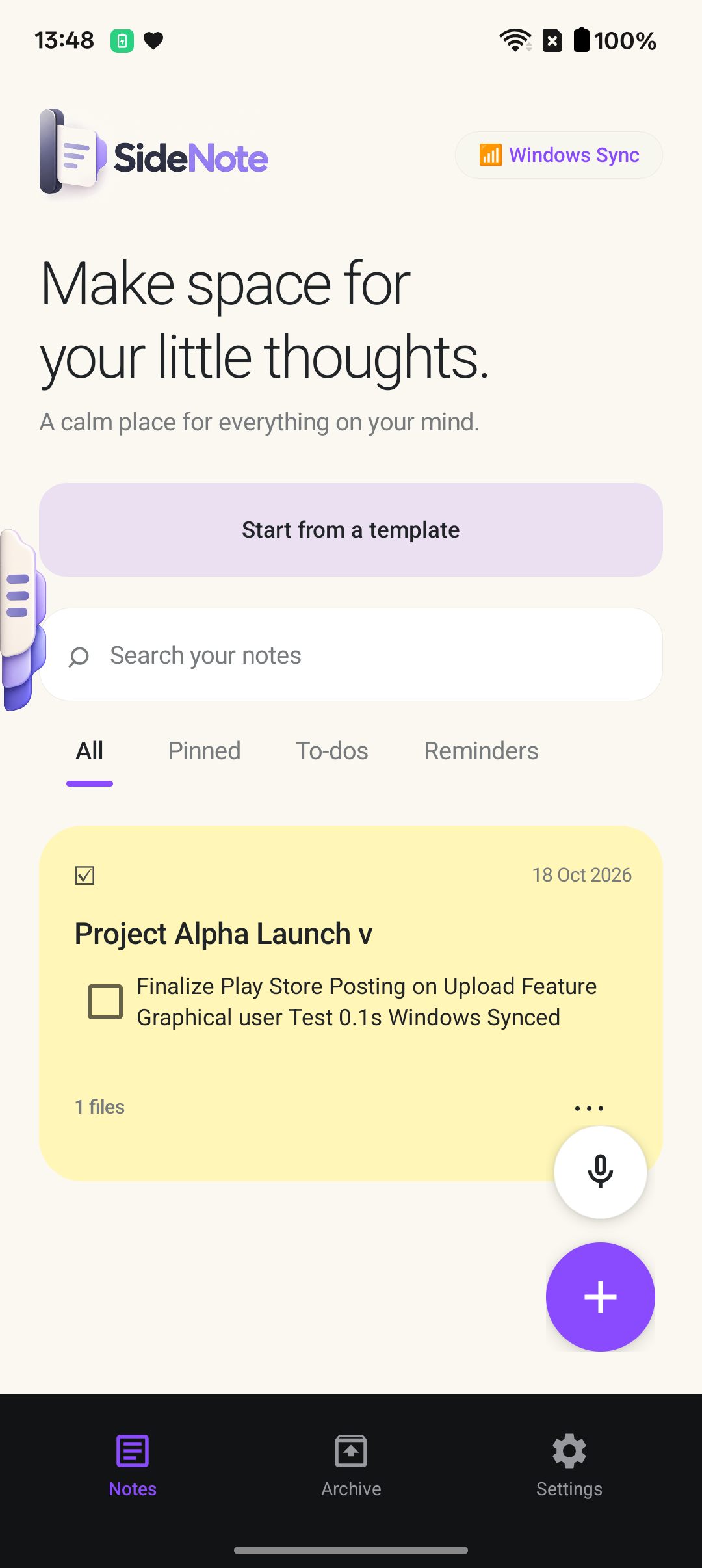
On mobile and tablet devices, having an unobtrusive handle on the screen edge allows you to pull out your checklist with a simple thumb swipe, check off an item, and let it slide right back.
3. Drag Anywhere Across Multi-Monitors
Position sticky notes on second or third displays, or pin quick reference cheat-sheets right above your terminal.

SideNote: Keep a Thought by Your Side
We designed SideNote for thinkers, writers, and multitaskers across Windows and Android:
- True Floating Overlays: Keep checklists, reference links, and scratchpads hovering right beside your active window.
- Minimalist Aesthetic: Soft cream tones, clean typography, and zero clutter.
- Instant Pairing: Seamlessly sync your daily scratchpad between your Windows workstation and Android mobile device.
Stop context switching. Keep your thoughts close while you move between tasks.